
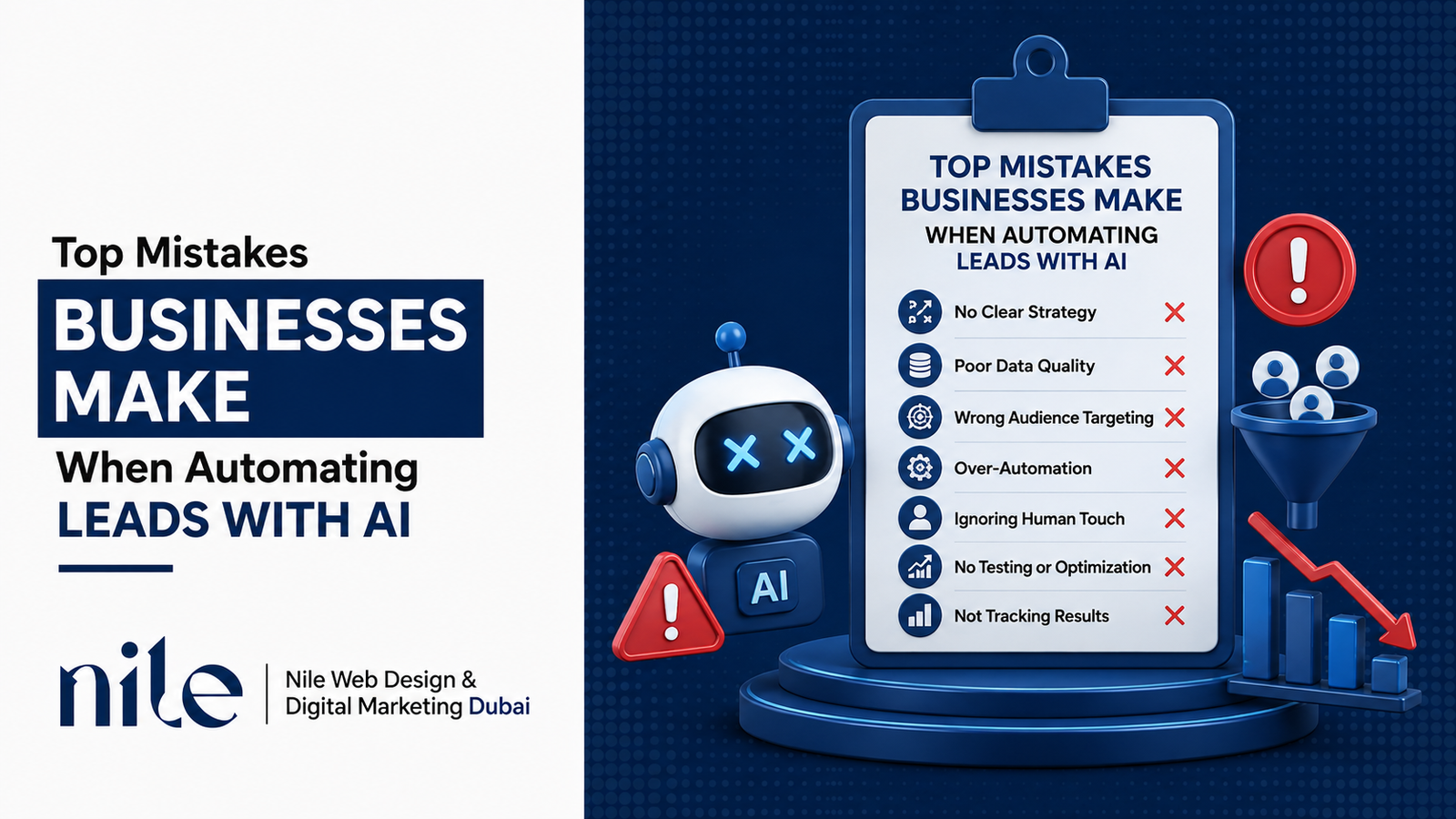
AI lead automation sounds simple: respond to new leads, keep follow-ups moving, and take some of the repetitive work off your team’s plate. In practice, it doesn’t always work that way.
The problem usually isn’t the technology itself. It’s how the system is set up and how it fits into the sales process. This comes up often in digital marketing, where a poorly planned automation setup can end up costing a business good leads instead of helping the sales team win them.
Here are the mistakes businesses run into most often.
1. Automating a Broken Process Instead of Fixing It First
One of the biggest mistakes happens before an AI tool is even turned on. A business has a messy or inconsistent sales process and tries to solve it by adding automation.
If your team doesn’t agree on what makes a lead qualified, how quickly someone should follow up, or when a lead should be passed to a salesperson, automation won’t fix those problems. It will simply make the existing process run faster.
Fix it first: Write down your current lead journey. Decide what qualifies a lead, where follow-ups happen, and when a salesperson needs to step in. Once the process is clear, automate the parts that actually need it.
2. Treating AI Like a “Set It and Forget It” Tool
Some businesses launch an AI chatbot or lead-scoring system, see that it works, and then leave it alone for months. That’s when problems start to build up.
Prices change. Products get discontinued. Offers change. Customers start asking different questions. A system that worked well six months ago may no longer fit the business today.
Fix it: Review your automation every month or quarter. Look at conversations, lead scores, response quality, and conversion rates. Make updates when the business changes instead of waiting for the system to become outdated.
3. Letting AI Handle Every Lead the Same Way
Not every lead is at the same stage. Someone who has just downloaded a guide shouldn’t necessarily receive the same follow-up as someone who has requested a demo.
Still, many businesses send every new lead through one generic sequence. The questions, messages, and timing stay the same regardless of where the person came from or how ready they are to buy.
That can be especially damaging with high-intent leads. Someone who is ready to talk to sales may lose interest while waiting through a sequence designed for colder prospects.
Fix it: Group leads based on where they came from and how much buying intent they’ve shown. Give each group a follow-up path that makes sense for its situation.
4. No Clear Handoff Between AI and Human Sales Reps
AI can handle early questions, basic qualification, and routine follow-ups. But when a lead is ready to discuss pricing, make a decision, or negotiate, a salesperson usually needs to take over.
The problem is getting that timing wrong. If sales reps get every lead too early, they waste time. If the handoff happens too late, a good prospect can spend too long talking to an automated system and move on.
Fix it: Set clear handoff triggers. These might include a pricing question, a request for a call, a high qualification score, or a specific buying signal. When the salesperson joins, they should have enough context to continue the conversation rather than starting from scratch.
5. Ignoring the Tone and Personality of the Brand
Automated messages can sound stiff very quickly. Phrases that feel perfectly normal in a template can make it obvious that a bot is doing the talking.
This matters even more in businesses where trust and relationships influence the sale, such as real estate, consulting, coaching, and high-ticket B2B services.
A common mistake is using an AI tool straight out of the box without giving it a clear understanding of how the company actually communicates.
Fix it: Use real examples from your sales emails and customer conversations. Make the system follow the same style your team uses with customers. The goal isn’t to make every message sound polished. It should sound like it belongs to your business. The same applies to your web design — your website, sales team, and automated messages should feel like parts of the same brand.
6. Over-Automating the Relationship-Building Stage
There is a big difference between automating routine tasks and trying to automate a relationship.
Scheduling meetings, sending reminders, answering simple questions, and confirming details are good candidates for automation. But personal check-ins and sensitive conversations can feel fake when they are handled entirely by a system.
A prospect can usually tell when a message says “just checking in” without any real context behind it.
Fix it: Use automation for the repetitive parts of the sales process. Keep conversations that require empathy, judgment, or a personal response with a human, even if the system helps prepare the first draft.
7. Not Tracking the Right Metrics
It is easy to look at activity numbers and assume an automation system is doing well. Messages sent, conversations started, and leads contacted can all look impressive without telling you whether the business is actually getting better results.
What matters more is whether those leads are responding, becoming qualified opportunities, and turning into customers.
Fix it: Track results throughout the funnel. Look at qualified leads, response rates, conversion rates, cost per qualified lead, and close rates. Compare those numbers before and after automation so you can see whether it is actually helping.
8. Skipping Data Quality and Integration Checks
Automation depends heavily on the information it receives. If your CRM contains duplicate contacts, old information, missing fields, or leads spread across several disconnected tools, the system can make poor decisions.
That can mean sending the wrong offer, contacting someone twice, or missing a lead completely.
Fix it: Clean your CRM before expanding automation. Remove duplicates, update outdated records, and make sure the tools involved are properly connected. Good data is one of the most important parts of a reliable automation setup.
9. No Fallback Plan When AI Gets It Wrong
AI will get things wrong sometimes. It may misunderstand a question, give an incomplete answer, or run into a situation it wasn’t designed to handle.
The real problem is what happens next. If a lead has no obvious way to reach a person, they may simply leave.
Fix it: Give people an easy way out. Add a “talk to a human” option, a phone number, or an automatic handoff when the system fails to understand the conversation. A quick human intervention can save a lead that would otherwise be lost.
The Bigger Picture
AI can be useful for lead management. It can help businesses respond faster, keep follow-ups consistent, and handle routine qualification without putting every task on the sales team.
But it works best when it supports a good sales process rather than trying to replace one.
The businesses that get the best results still pay attention to what is happening. They review conversations, update the system when things change, and make sure there is a clear path to a real person when a lead needs one.
Done properly, automation should make a business more responsive without making the customer experience feel less personal.
Conclusion
AI lead automation works best when the business has a clear process behind it. Most problems come from unclear sales steps, outdated information, poor handoffs, or a system that was set up once and never reviewed.
The strongest approach is to let automation handle repetitive work while people stay responsible for the parts of sales that require judgment, trust, and negotiation.
If you’re planning to automate lead generation, start with the process rather than the tool. Clean up your data, decide when a human should take over, make sure the messages sound like your brand, and review the results regularly.
The fundamentals still matter most: good web design and a clear digital marketing strategy. Automation can strengthen those foundations, but it can’t replace them.
Frequently Asked Questions
1. Why does AI lead automation fail for many businesses?
Usually because the underlying sales process wasn’t clearly defined. If qualification rules, follow-up steps, or handoff points are unclear, automation tends to make those problems more noticeable rather than solving them.
2. Can AI completely replace a sales team for lead generation?
No. AI can handle initial responses, qualification, and repetitive follow-up, but sales still depends heavily on human judgment, negotiation, and trust — particularly for high-value or relationship-driven purchases.
3. How do I know if my AI lead system is actually working?
Don’t rely only on the number of messages or conversations. Look at qualified leads, response-to-conversion rates, cost per customer, and close rates. Comparing those numbers before and after automation gives you a much clearer picture.
4. Why do leads feel like they’re talking to a robot even with a good AI tool?
Most tools need to be customized before they sound natural. If the system isn’t given examples of your brand’s communication style and real customer conversations, its replies can easily feel generic.
5. Should every lead go through the same automated sequence?
No. Leads come from different sources and have different levels of intent. Someone requesting a demo should usually be handled differently from someone signing up for a newsletter.
6. What’s the biggest sign that AI automation is hurting conversions instead of helping?
One clear warning sign is rising lead volume combined with a falling close rate. It can mean the system is attracting or processing more leads but doing a poor job of moving the right ones toward a sale.
7. How often should I review or update my AI lead automation setup?
At least once a quarter is a good starting point. Review it sooner when prices, services, offers, or customer behavior change.
8. What happens if the AI misunderstands a lead’s question?
If there is no fallback, the lead may leave. A clear option to speak with a person, along with escalation rules for repeated misunderstandings, gives the conversation a better chance of being recovered.
9. Does bad CRM data affect AI automation performance?
Yes. Duplicate contacts, outdated information, and disconnected systems can lead to repeated messages, incorrect offers, missed follow-ups, and other avoidable mistakes.
10. Is AI automation worth it for small businesses with fewer leads?
It can be, but the setup should match the size of the business. Smaller teams can get useful results by automating scheduling, FAQs, and basic qualification while keeping important sales conversations personal.